 Better Frames
Motion components.
Find a shot by what you want to show, how it moves, or the film it came from.
 Color control2.00 sFree
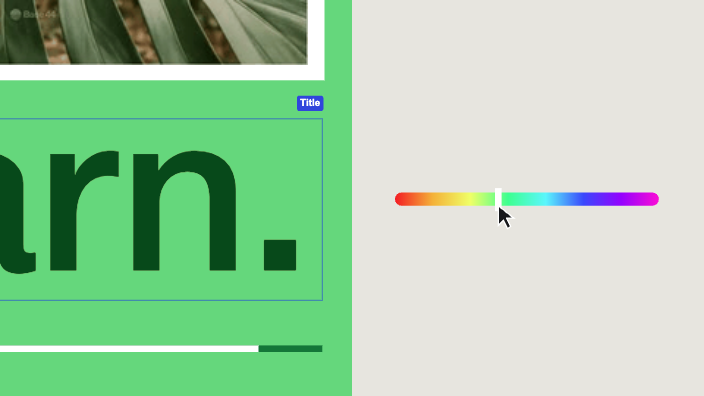
Live Hue Picker
A rainbow hue slider changes the selected headline color on a split-screen design canvas.
 Persona selection5.00 sFree
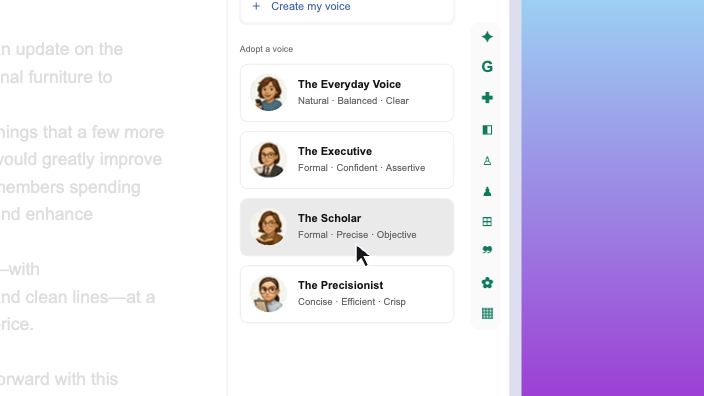
Writing Persona Picker
A pointer moves through four illustrated author profiles, highlighting the voice and tone of each one.
 File navigation1.56 sFree
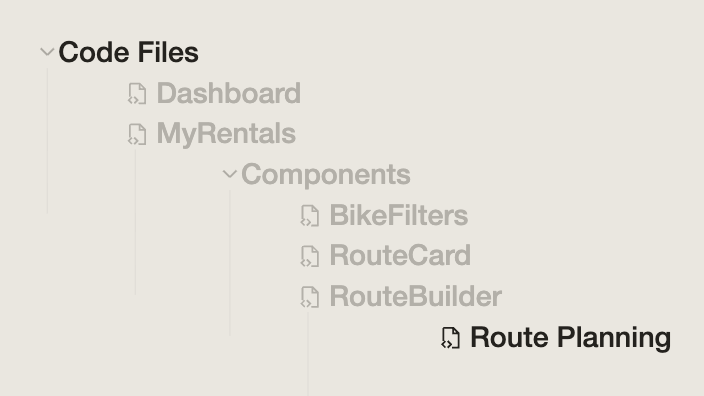
Expanding File Tree
Nested project folders open level by level as the file tree scrolls to the active route.
 Typography reflow2.12 sPro
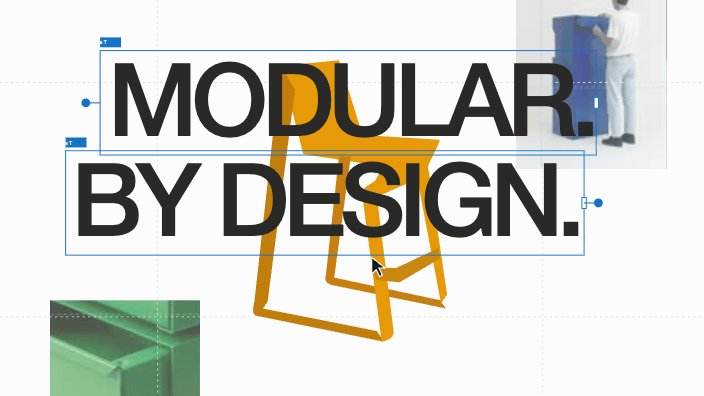
Responsive Headline Resize
Selection handles widen two text boxes and reflow their headlines over a furniture poster.
 Luminous field5.21 sPro
Four-Point Star Flare
Two arcs trace a four-point star around a question before violet light fills its edges.
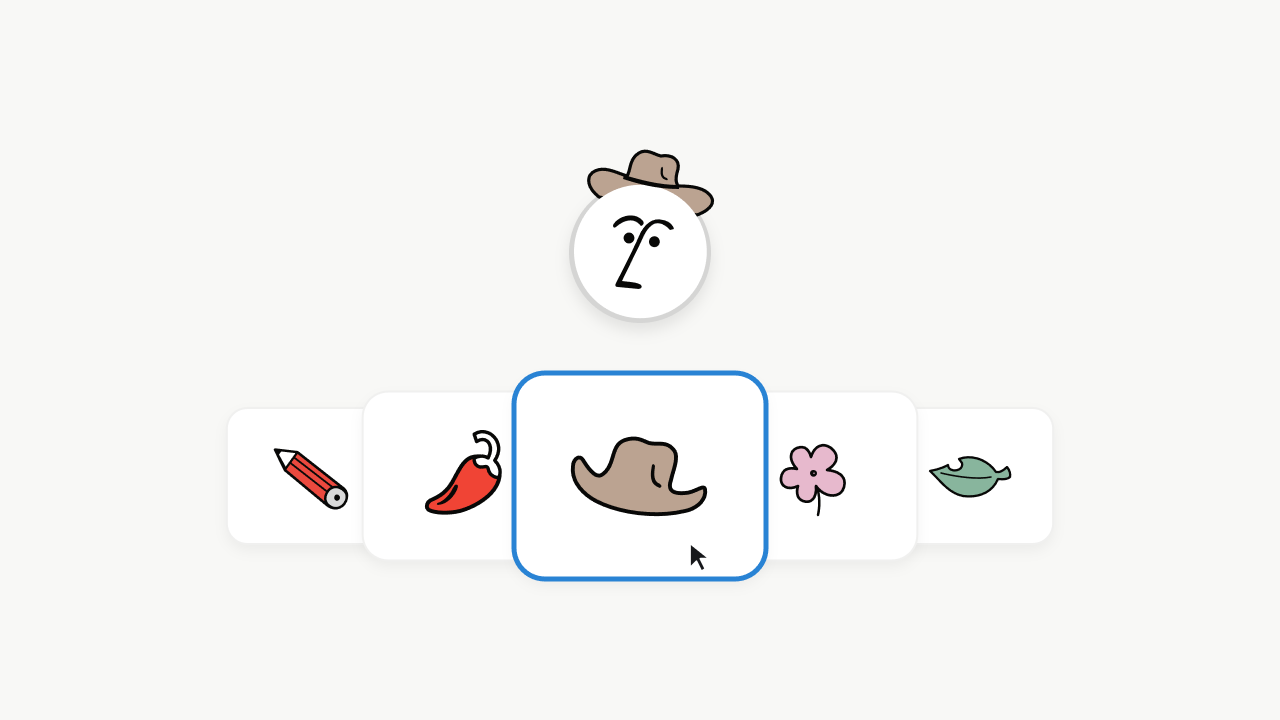 Accessory selector3.54 sPro
Avatar Accessory Carousel
Accessories slide through a selection frame and appear on the illustrated avatar as each choice lands.
 Animated counter1.67 sPro
Gradient Line Chart Counter
A glowing tip draws a multicolor line beneath a large number counter that slows as it reaches its final value.
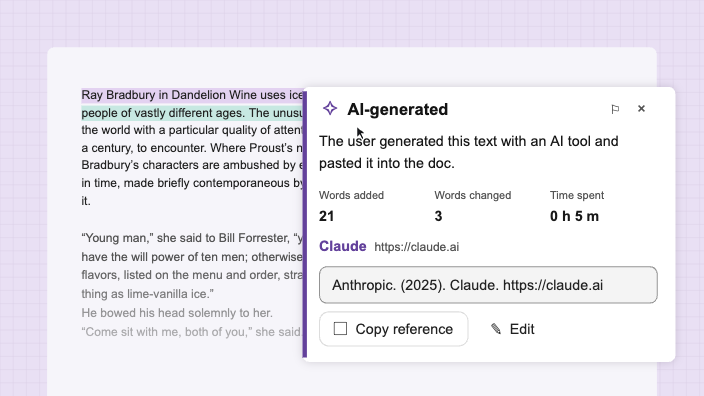 Provenance popover1.92 sFree
AI Authorship Citation Card
Highlighting a passage reveals its AI source, edit counts, elapsed time and a copy control.
 Task Queue7.70 sFree
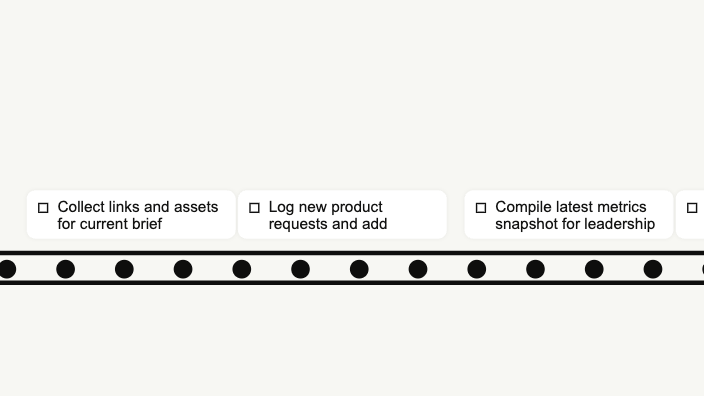
Task Card Conveyor
Paper task cards travel along a roller belt, picking up speed before they leave the frame.
 Editing sidebar5.63 sFree
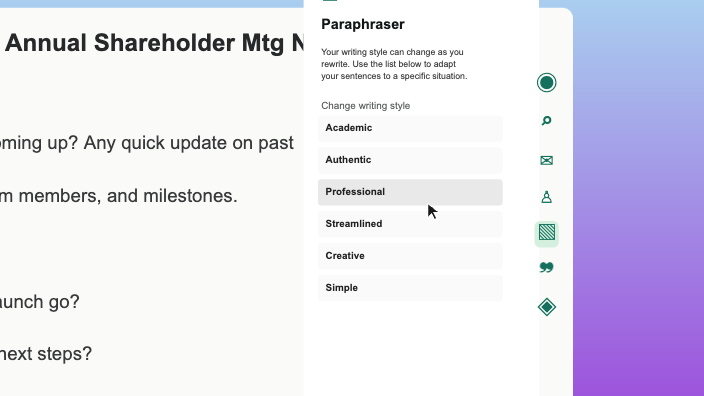
Writing Tone Selector
The camera moves into an editor toolbar as a click opens the paraphrasing panel and selects a writing style.
 Perspective transform1.43 sPro
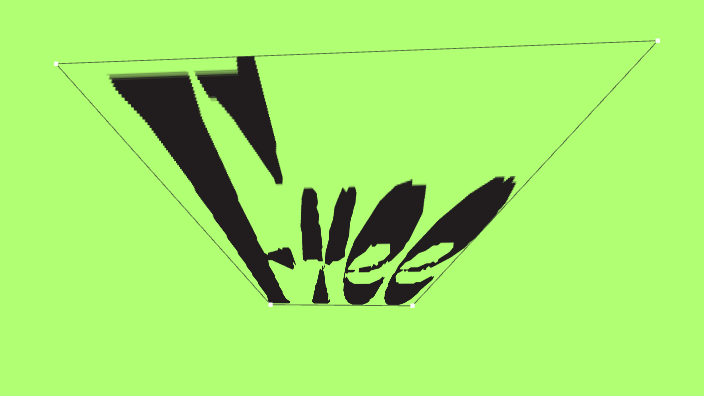
Perspective Text Warp
Four corner handles stretch a word into a trapezoid as the lettering and canvas flip colors.
From Creative Freedom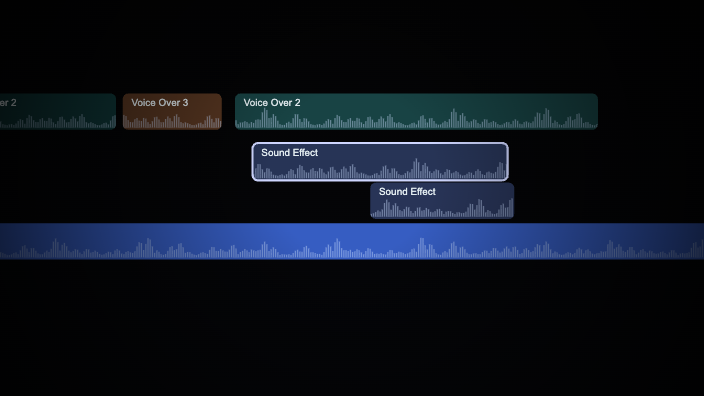 Audio timeline3.80 sPro
Multitrack Waveform Timeline
Audio clips fan into three waveform tracks. A selected region changes length as the timeline scrolls beneath it.
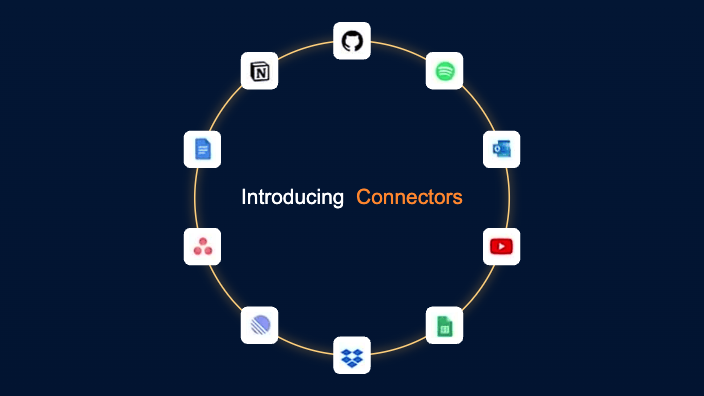 Integration diagram2.72 sFree
Orbiting Integration Icons
App icons assemble into a rotating ring around a typed title, then move aside for the next panel.
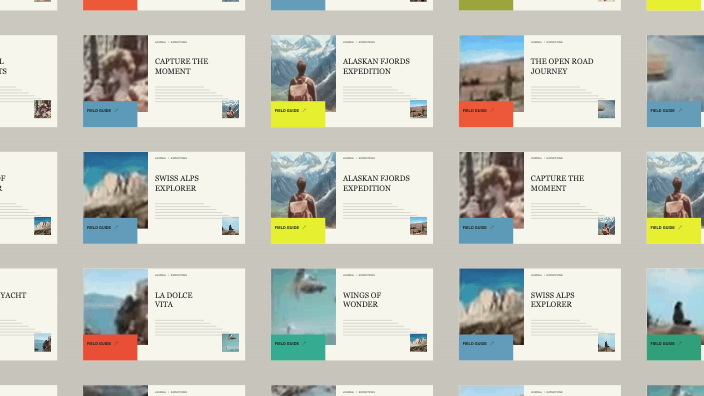 Gallery zoom2.48 sPro
Website Gallery Zoom Out
The camera pulls back from one website to reveal a staggered grid of editorial web designs.
 Scrolling labels4.54 sFree
Scrolling Data Ruler
Record names and tick marks accelerate past a fixed reading point on a horizontal scale.
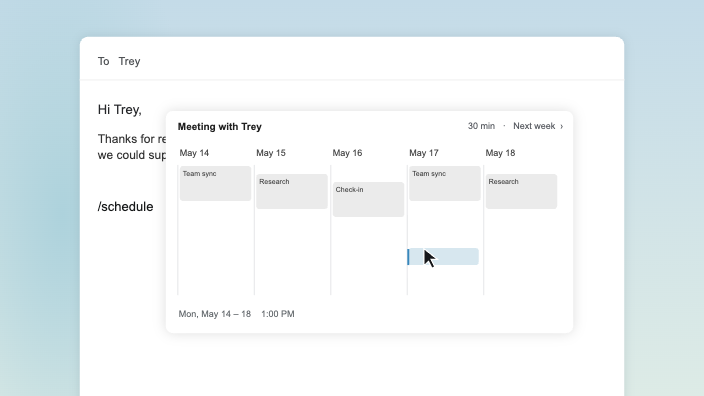 Calendar picker3.38 sFree
Inline Calendar Popover
A slash command opens a five-day scheduling calendar inside an email draft. The cursor picks an available time.
From Meet Notion Mail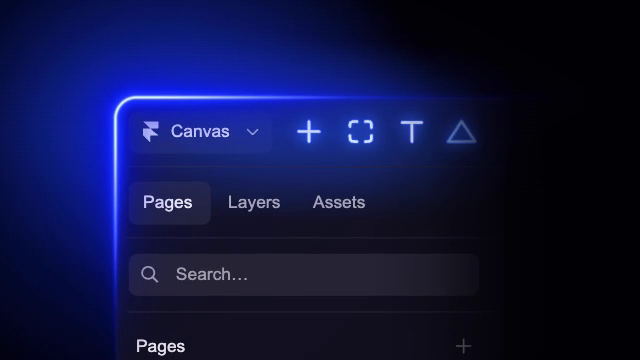 Interface reveal2.24 sPro
Glowing Canvas Edge Reveal
An electric-blue corner emerges from darkness as the camera closes in on the design canvas and its toolbar.
 Profile carousel2.50 sFree
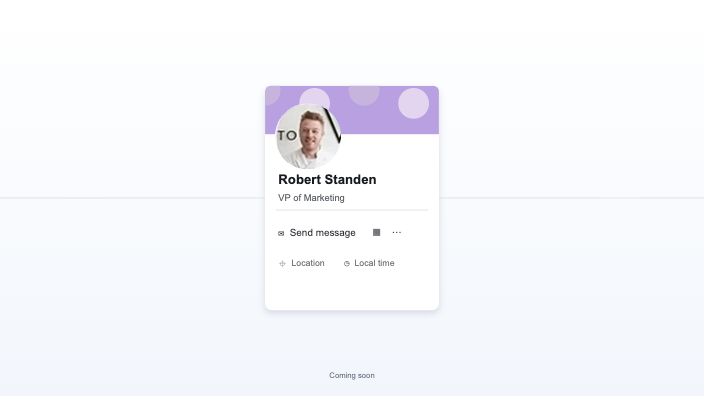
Team Directory Carousel
Profile cards advance along a horizontal organization chart. The active card opens to show its banner and contact controls.
 Word Reveal1.67 sFree
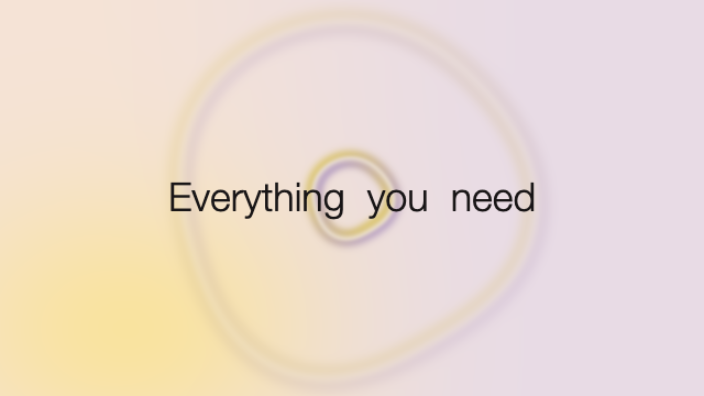
Ripple Text Reveal
A headline appears one word at a time while soft concentric ripples expand behind it.
From Base44 Superagent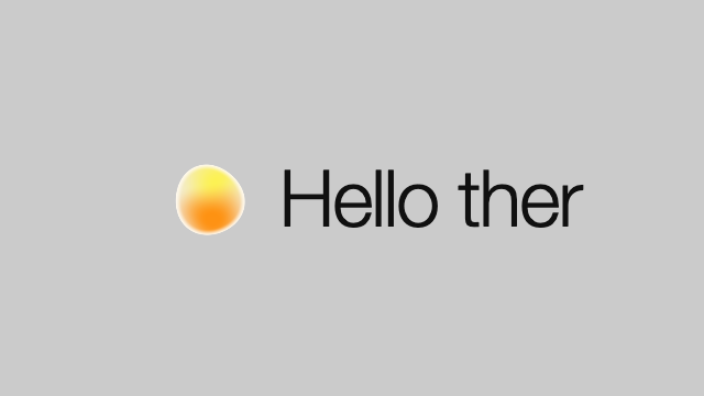 Avatar reveal2.20 sPro
AI Orb Greeting
A glowing avatar glides to one side and makes room for a typed welcome message.
From Base44 Superagent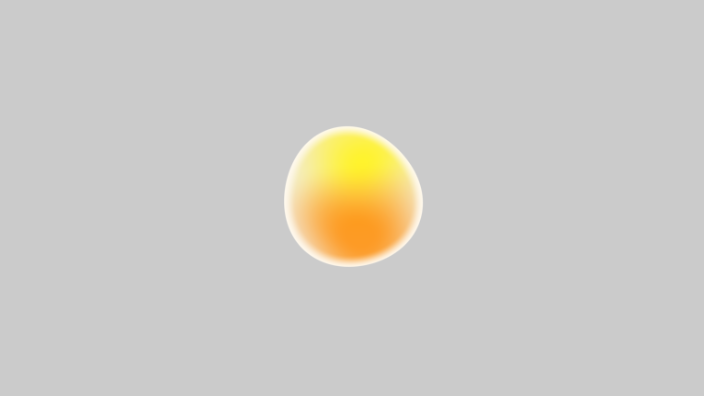 Avatar overlay2.93 sPro
Liquid Gradient Orb
An amber and yellow orb undulates against a plain background as highlights drift across its translucent edge.
From Base44 Superagent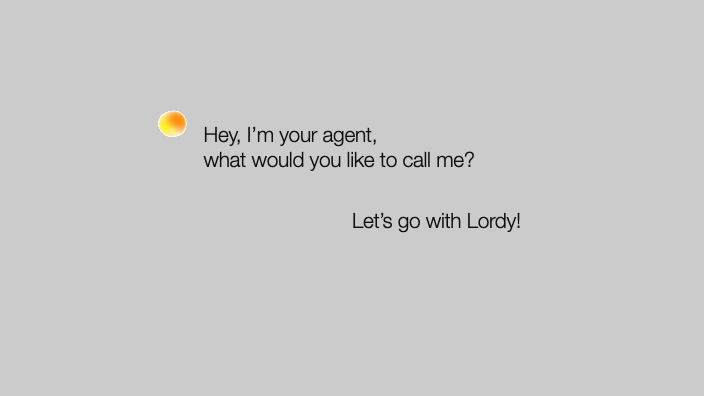 Conversation1.90 sFree
Agent Onboarding Chat
An AI assistant asks what to call itself. The conversation scrolls up as the user's reply arrives.
From Base44 Superagent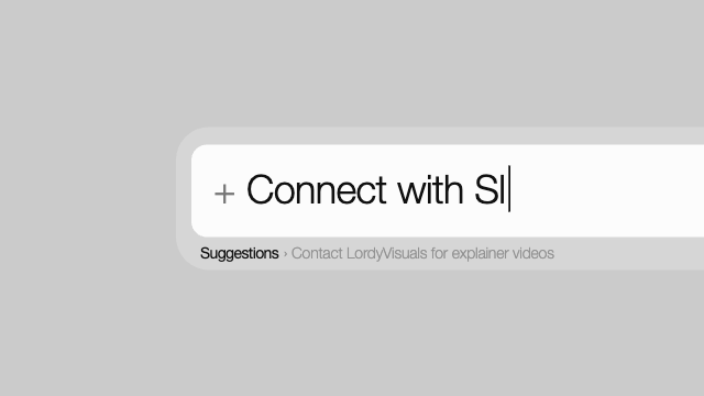 Prompt input2.07 sFree
Integration Command Input
A connection command types into a moving prompt field with an insertion caret and a suggested completion.
From Base44 Superagent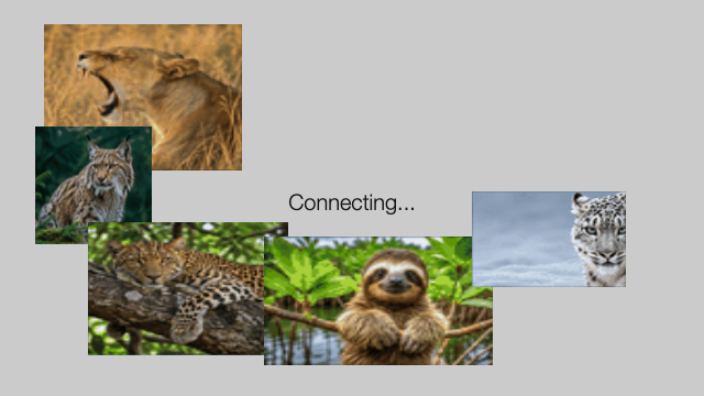 Photo collage2.38 sPro
Photo Collage Loader
Overlapping photo tiles flash clockwise around a loading message to show a connection in progress.
From Base44 Superagent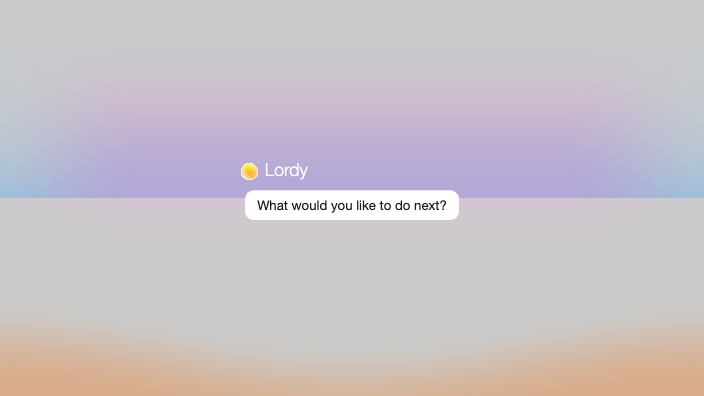 Status message2.27 sFree
Assistant Status Bubble
A compact connection badge expands into a chat bubble with a follow-up question.
From Base44 Superagent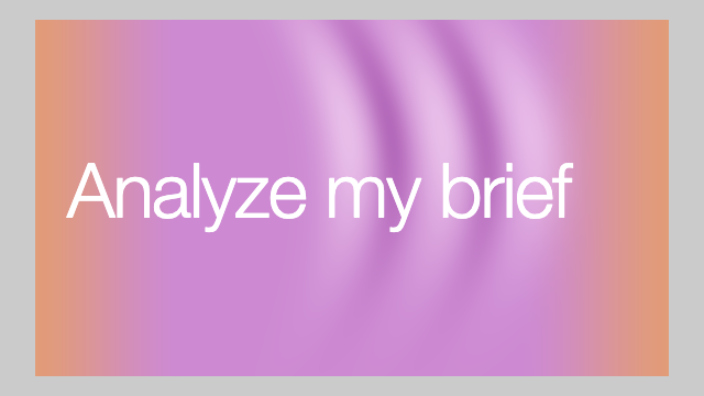 Kinetic type2.00 sPro
Gradient Typewriter Panel
Oversized text types across a shifting gradient beside a tall blinking caret.
From Base44 Superagent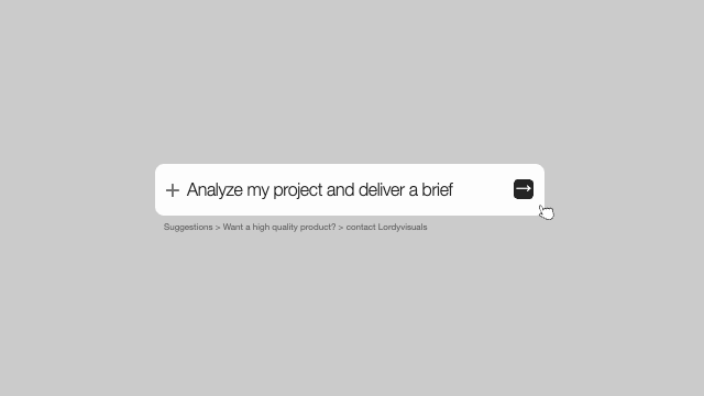 Prompt submission3.47 sPro
Prompt Submit Confirmation
A compact AI prompt composer finishes typing a brief, sends it and confirms the submission.
From Base44 Superagent Animated background10.00 sPro
Fabric Studio Background
Light moves across folds of fabric. Five presets vary the look with studio lighting, light leaks, a spotlight, silk or mesh.
Built for the Better Frames homepage background set.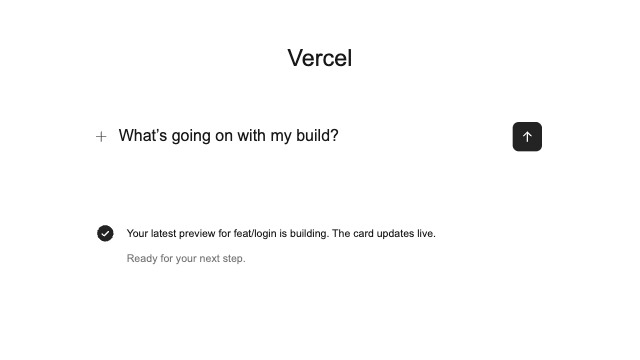 Prompt Composer6.00 sFree
AI Prompt and Response
A question types into a chat composer and gives way to an assistant reply about the current deployment.
Visual reference Vercel preview deployment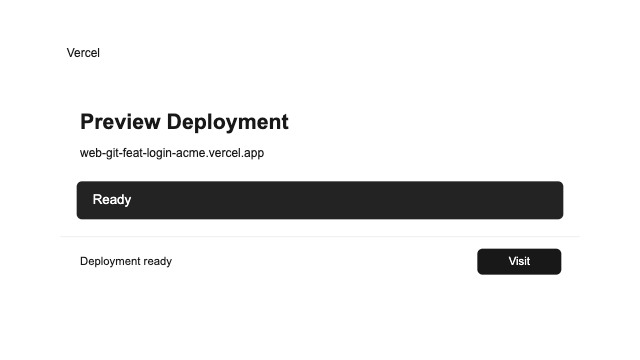 Deployment Card5.00 sFree
Deployment Status Card
A preview deployment moves from building to ready. Show the result in a plain card, inspector, code editor or chat.
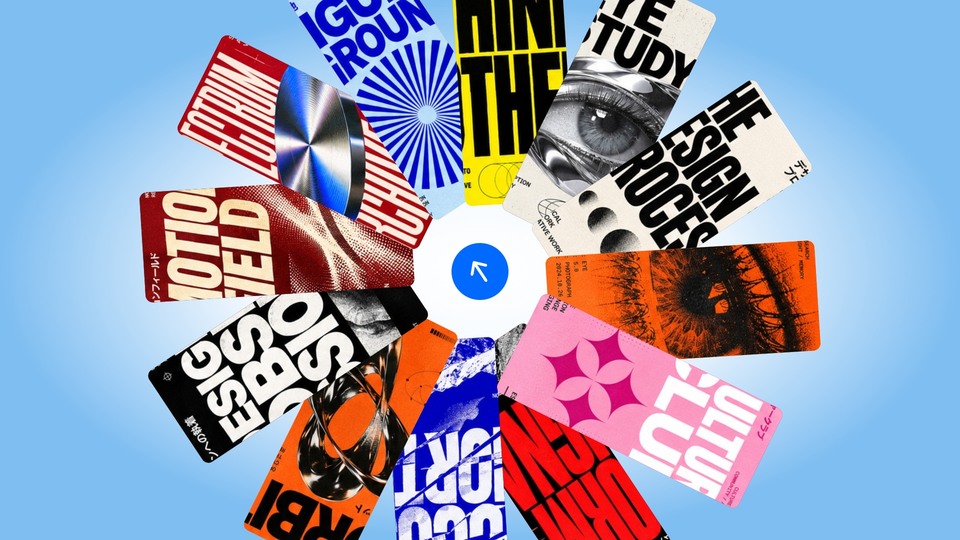 Poster Fan3.00 sFree
Radial Poster Fan
A stack of illustrated covers swings open around a central arrow. An optional title appears when the fan settles.
From One place to build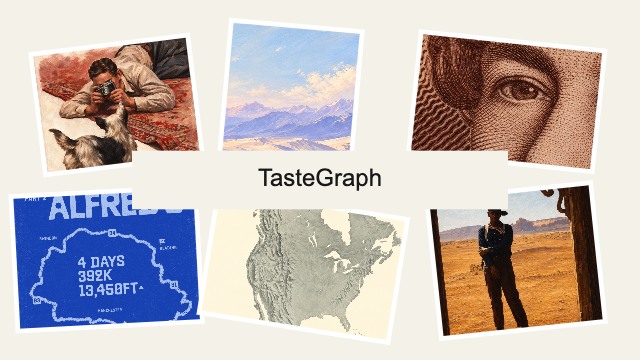 Editorial Collage5.00 sFree
Editorial Mood Board
Magazine covers, photography and engravings overlap around a title to form a layered editorial collage.
Visual reference TasteGraph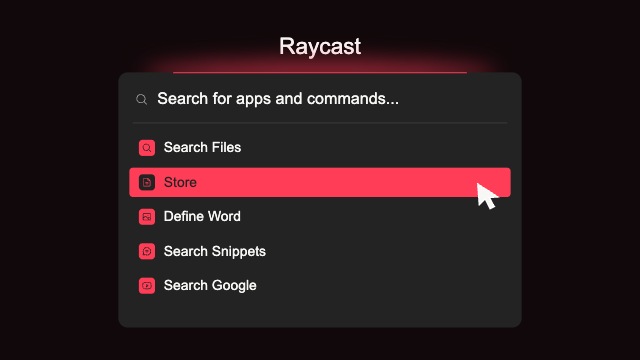 Command Palette6.00 sFree
Searchable Command Palette
A query appears in a command menu and the selection moves to a matching action in the results list.
From Raycast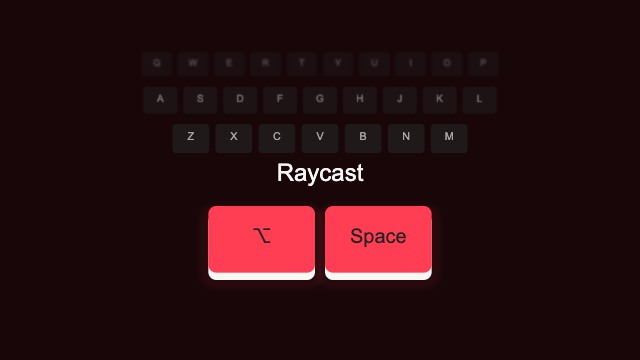 Keyboard Shortcut4.00 sFree
Keyboard Shortcut Keycaps
Two labeled keycaps show the Option–Space shortcut and animate the keypress against a dark keyboard backdrop.
Visual reference Raycast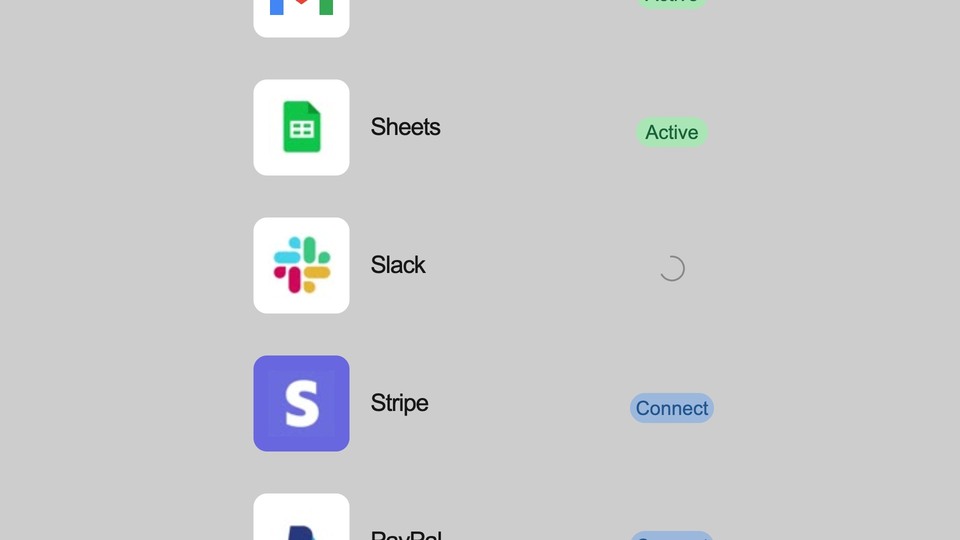 Integration List3.30 sFree
App Connection Checklist
A Slack request opens a scrolling list of integrations. Each service connects in sequence before the full checklist comes into view.
From Base44 Superagent Device Frame5.50 sFree
iOS App Launch Sequence
An App Store listing gives way to an angled prompt, then settles on the selected app icon on the iPhone home screen.